 CPR ENS Toolkit
Document 3 of 6
CPR ENS Toolkit
Document 3 of 6
Confirm your name is live
You set a contenthash (Document 2). Now you want to see your name work in a normal browser. That's what eth.limo does — it turns yourname.eth into a web address anyone can open, no wallet or extension required.
01What eth.limo is
A regular browser doesn't natively know how to open a .eth name — ENS lives on Ethereum, not in DNS. eth.limo is a free gateway that bridges the two. You add .limo to the end of any ENS name, and eth.limo does the work:
It reads your name's contenthash on-chain, fetches the page from IPFS, and serves it to the browser over normal HTTPS. So yourname.eth becomes yourname.eth.limo — a link you can put anywhere, that anyone can click.
yourname.eth.limo works automatically. You're just testing what's already wired.02Testing your name is live
Open a new browser tab and type your name with .limo on the end:
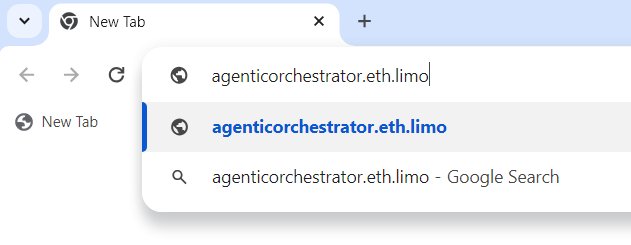
yourname.eth.limo in the address barPress Enter. If your contenthash is set and the file is pinned, your page loads. For a self-contained page — the method this toolkit teaches, where the whole page lives on IPFS — the address bar stays on your .eth.limo name and shows a padlock. That's a fully live, decentralized name:
03One thing you might see: a redirect
Some names are set up differently. Instead of pinning a full page, they pin a tiny redirect file that immediately forwards the browser to a page hosted on a normal website. When that happens, you type the .eth.limo address, the page loads — but the address bar changes to a different domain:
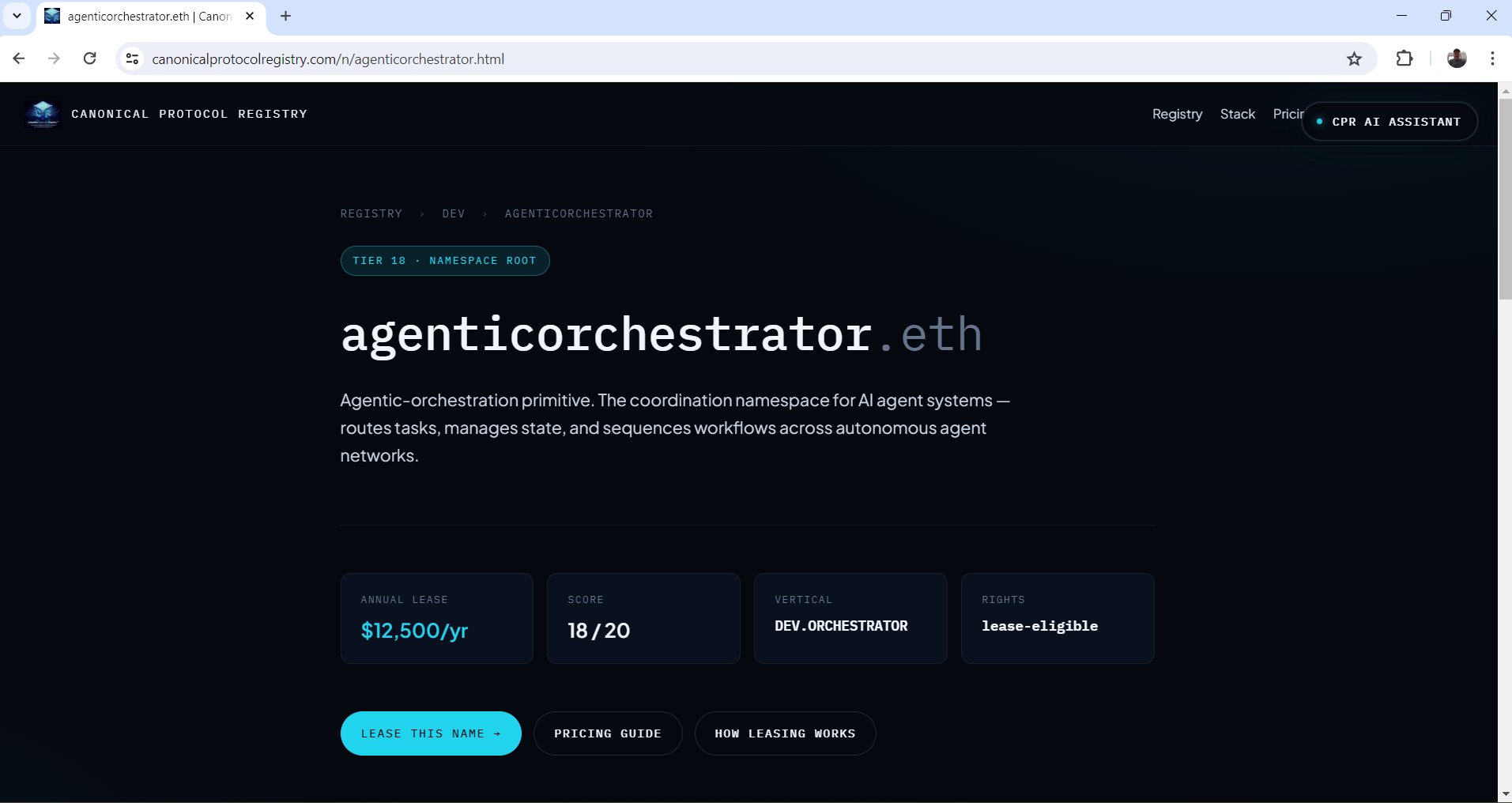
.eth.limo, but the bar flipped to a hosted .com pageThis isn't broken — the name resolved fine — it's just a different design. The Canonical Protocol Registry itself uses this redirect pattern for its 2,750+ names, because it serves them all from one central site. But for an individual name, it has a cost: it depends on that external website staying online. If the host goes down, the name shows nothing.
.eth in the address bar. Document 4 gives you a ready-made self-contained page to use.04Two ways to verify — browser vs. on-chain
"It loads in my browser" and "it's correctly set on-chain" are two different proofs. Check both:
Browser check (fast)
Open yourname.eth.limo. If your page appears, the whole chain is working: contenthash set → file pinned → gateway resolving. This is the everyday test.
On-chain check (authoritative)
Open your name in the ENS app and look at the Content Hash record. The value stored there is the truth — it's what every gateway reads. If the browser isn't loading but the contenthash is set correctly in the ENS app, the problem is pinning or propagation, not your record. If the contenthash field is empty, that's your answer: it was never set (go back to Document 2).
05When it isn't loading — common issues
Ctrl+F5).bafkrei… or bafybei…). An old Qm… CIDv0 will not resolve reliably through the gateway. Re-pin to get a CIDv1 (see Document 2).ipfs:// — not https://, not a bare CID. If the prefix is wrong, the gateway can't tell it's an IPFS file. Fix it in the ENS app and re-save.yourname.eth.limo carefully..eth in the address bar. Next: Document 4 hands you a clean, self-contained starter page you can customize and pin — so you have something worth showing when people visit.